Android App Updates: What Links Installed Apps to Developers
Users download applications from various app stores. On Google Play, identifiers indicate available updates. Android app updates rely on these identifiers. Publishers connect new versions to existing installations by using them. The application ID and signing certificate need to match. When users encounter the same application in multiple stores, they should verify that both the package identifier and the signature are the same. Both must match for one installation to replace another.
Basics Of Android App Updates
Android retrieves the application ID, package name, and signing certificate credentials. The system then verifies that these credentials match between the installed app and the update. Next, Android compares the version code values to determine the order. Once these checks are complete, the build installs over the existing version.
| Aspect | Key Detail |
|---|---|
| Application ID purpose | Uniquely identifies each app |
| Package name role | Permanent identifier for updates |
| Version code ordering | Must increase with releases |
| Required match criterion | ID and certificate stay identical |
| System eligibility decision | Compares installed versus published |
| Certificate verification step | Confirms authorized publisher continuity |
| Update rejection condition | Lower version code blocks |
Application Identity Across Versions
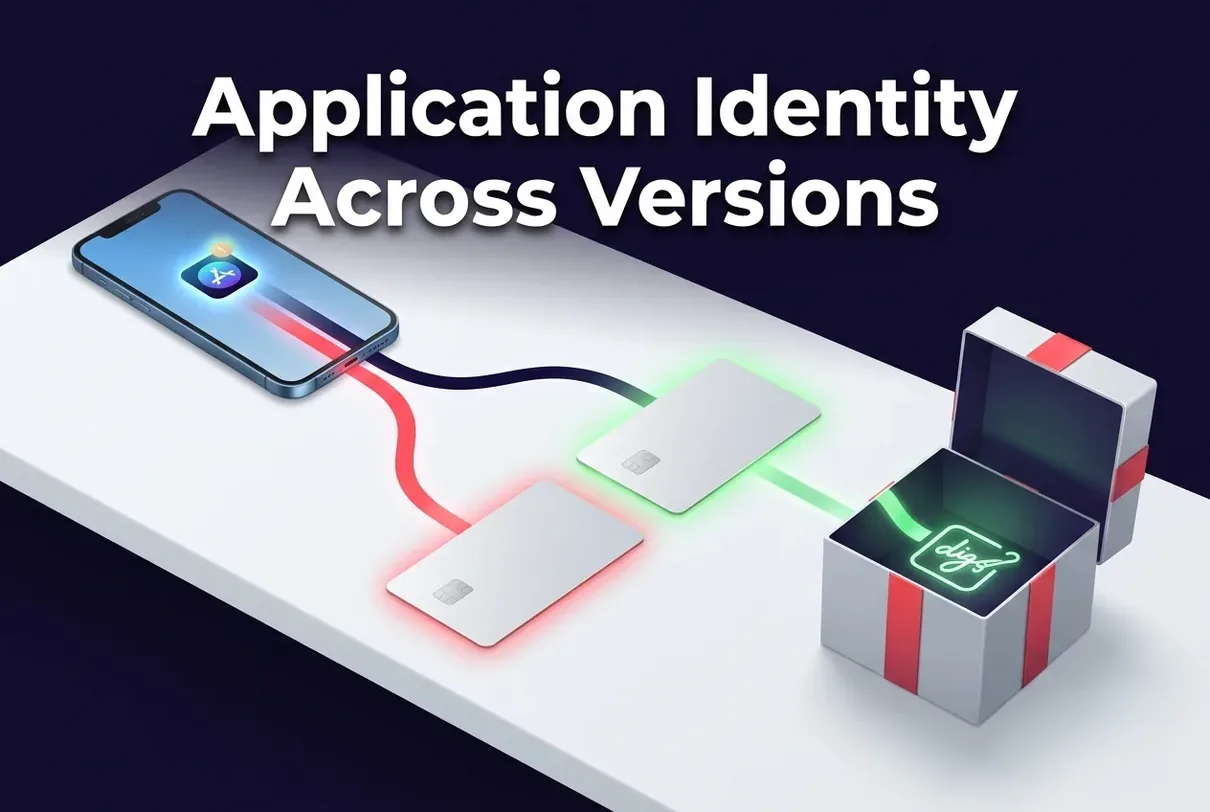
Each Android app has a permanent internal identifier called the application ID, which the system uses to locate the app. This ID remains unchanged during updates, allowing the system to replace an old build with a new release using the same identifier.
- Unique application ID per app;
- Different package names prevent merging;
- Examples include com.example.myapp formats;
- Changed package name creates incompatible versions;
- Separate identifiers represent distinct apps.
Signing Keys And Update Continuity
Update continuity relies on digital signatures linking application versions to authorized sources. The system validates the signing certificate before installation. Digital signatures maintain publisher identity through multiple releases. Android enforces strict cryptographic requirements for application integrity during updates.
- Signatures required for installation;
- Same signing certificate for updates;
- Mismatched certificates prevent installation;
- Key rotation allowed in limited cases;
- Signatures reflect publisher identity control.
Version Codes And Eligibility
Android checks the version code against the installed build. Numeric ordering controls replacement package acceptance, allowing Android to determine if it can install the update.
Google Play has technical rules. These rules validate update eligibility.
- Version code comparison against installation;
- Higher value required for acceptance;
- Developer assigns codes during release;
- Version name differs from code;
- Lower code prevents package replacement.
How Google Play Matches Updates
The app store evaluates the decision to issue an update by conducting checks on installed applications. These checks confirm whether an application can accept a newer version, and all technical conditions must pass for the update to be issued.
- Matching by application ID;
- Verifying signing certificate;
- Checking user library membership;
- Evaluating device compatibility;
- Considering regional availability;
- Confirming older version code.
Automatic And Manual Update Choices
Android users can manage data usage by adjusting preferences in the settings menu. There, they select how updates are handled and may allow automatic installation of new versions or require confirmation before installation. Users review publisher information before accepting updates.
- Open Google Play settings and select automatic updates for all applications or Wi-Fi-only downloads;
- Pause automatic downloads through the network preferences section for non-urgent installations;
- Tap an application listing and select the update button to download one specific version manually;
- Review the list of pending updates in the My apps section prior to confirming batch installation;
- Verify publisher names and version details on each listing prior to tapping the install confirmation button.
Publisher Records Over Time
Store accounts record visible publisher labels separately from underlying technical data. Displayed publisher names can change, but deeper records remain consistent through signing keys and application IDs. Android maintains technical continuity independent of visible labels presented on listings. Application identity relies on multiple layers of verification. Each layer confirms information about the application, ensuring it is recognized as intended.
- Publisher identity appears on listings;
- Account records link to package name;
- Signing keys prove application control;
- Displayed publisher names can change;
- Technical records matter more than labels.
Play App Signing Support
With Play App Signing, Google holds the app-signing key. Store-managed signing allows developers to maintain update paths when they change their credentials.
- Play App Signing manages certificates;
- Upload key differs from signing certificate;
- App-signing key creates device signatures;
- Signing certificate remains constant for installations;
- Google can restore lost upload keys;
- Future updates preserve technical identity;
- Google signs final APK files;
- Devices verify the app-signing certificate;
- Upload key changes retain update continuity;
- Long-term certificate stability supports replacement.
Using Multiple App Stores
Developers use consistent technical identifiers to manage Android applications across stores, comparing package information and applying cryptographic checks to enable sharing while ensuring the application remains functional and compatible in each store.
Developers must use consistent technical identifiers in every publishing channel. This practice helps maintain product compatibility in each store.
- Same application ID enables cross-store recognition;
- Identical signing certificate required always;
- Divergent versions across each app store;
- Stores cannot update each other’s installs;
- Check source prior to updating applications.
Alternative Sources And Update Paths
Android users can sideload applications and obtain installations from independent repositories. Sideloading creates distinct update channels compared to standard distribution. However, alternative sources complicate continuity verification and introduce compatibility considerations.
Developers must keep the same technical identifiers in every distribution channel. This rule determines how systems connect and receive updates.
- Shared package name across sources;
- Matching signing certificate enables replacement;
- Separate update timelines per source;
- Incompatible parallel variants possible;
- Tracking installation origin adds value.
Device And Region Availability
Availability rules determine who receives published updates. Google Play checks the device and region settings to see if a user can download new versions.
- Per-device availability decisions occur continuously;
- Regional catalog differences affect visibility;
- Developers assign targeting choices per release;
- Known application ID can stay hidden;
- Friends on an earlier rollout wave see updates sooner.
Rollout Timing And Distribution
Developers implement rollout strategies to manage app updates. Google Play delivers new versions to a limited group of devices before expanding availability. As a result, some users receive updates earlier, and others experience a delay. This approach prevents the update from reaching all devices simultaneously.
- Phased update waves reach users;
- Network conditions slow automatic delivery;
- Listings show newer builds early;
- Batch scheduling controls distribution speed;
- Timing preserves version code order.
Cross Store Package Differences
Android treats apps with different identifiers as distinct, so one version cannot update another. Developers rely on the same visuals and tools for each version. This arrangement leads to challenges when users attempt to update their apps across different stores.
- Separate package name variants block updates;
- Signing certificate differs per app store;
- Mismatched builds cannot cross-update installations;
- Installing duplicates from another store creates data conflict risks;
- Compare technical details prior to installing alternatives.
Package Registration And Continuity
Android applications use cryptographic signing credentials that connect to their package records. After someone registers a package name, the system links it to signing keys. Publishers use this setup to prove they control their apps. Android keeps this link in place to secure updates and block unauthorized replacements.
- One-time package name registration;
- Association with public certificate fingerprint;
- Need to prove key control;
- Long-term linkage to publisher identity;
- Role in future update rights.
Checking Technical Update Compatibility
Android displays technical identifiers for verification. Users can manually verify compatibility by comparing the offered build with their current installation. Users confirm that the offered build is a legitimate continuation using these identifiers. Consumers can check installed versions against available updates before accepting them.
- Find the installed application ID through the device settings app information screen;
- Check the store listing application ID to confirm package-name continuity;
- Compare signing certificate fingerprints between the installed version and the offered update using a trusted comparison tool;
- Note the version code difference to verify that the new build contains a higher number than the current installation;
- Confirm the source publisher name matches the original developer prior to accepting the update.
Recognizing Publisher Changes
When publishers update their information during an account transition or ownership transfer, the site changes the displayed name to match the new account details. The site maintains stable technical operations during these transitions. The application ID and signing certificate ensure a stable connection and verify the app’s authenticity.
- Display names change and ownership transfers during account transitions;
- Application ID remains constant throughout;
- Signing certificate confirms authentic continuity;
- New package appears with old name;
- Compare all three technical identifiers.
Conclusion On Update Continuity
Android users should check specific markers before updating: the application ID and the signing certificate. These details confirm that both versions correspond. Running these checks helps avoid installing unauthorized replacements and replacements that do not function properly.
- Check application ID consistency;
- Confirm signing certificate match;
- Prefer trusted Google Play sources;
- Watch version ordering carefully;
- Stay cautious with alternate distributors.
FAQ
Why Does an App Stop Updating?
Three main reasons can prevent app updates. Your device may not meet the requirements set by the developer. In some cases, developers release updates gradually, so certain users receive them before others. The store may also provide an update with a version code that differs from the one on your device. To verify, compare the version code listed in Google Play with the version installed on your device.
Can Different Stores Update The Same App?
Each app store requires matching application ID and signing certificate. Matching identifiers allow one store to update installations from different sources. Non-matching certificates or package names prevent applications from replacing each other during updates.
How Do I Confirm The Same Publisher?
Review the publisher identity labels in both the application and the update listing. Next, compare the fingerprints of the signing certificates. Locate the details for the application package.
Related Post
APK Signature Verification: Claims Supported by a Matching Certificate
APK signature verification checks the signatures in Android application packages. Each APK must have a [...]
Two-Factor Authentication Apps Fortify Mobile Account Logins
Banks, email providers, and social networks use this method to prevent account takeovers. Two-factor apps [...]